
Coins.Game Casino App: How to Play on iPhone and Android
Searching for a Coins.Game casino app download? Save yourself the hunt: there's no APK and no App Store listing — and you don't need one. The casino ships as a fast mobile web app you can pin to your home screen in under a minute. Here's how, and what to expect once it's there.
Why is there no Coins.Game app in the stores?
Apple and Google only list real-money gambling apps from operators licensed in specific regulated markets. Coins.Game holds a Curaçao licence, so — like most crypto casinos — it distributes through the browser instead. That's not a red flag; it's the norm for the entire crypto casino segment.
The practical upside: no store means no forced updates, no region-locked listing, and nothing to sideload. Beware of any site offering a "Coins Game APK download" — the operator doesn't publish one, so third-party APKs are at best a wrapped browser and at worst malware with a keylogger. If you see one, close the tab.
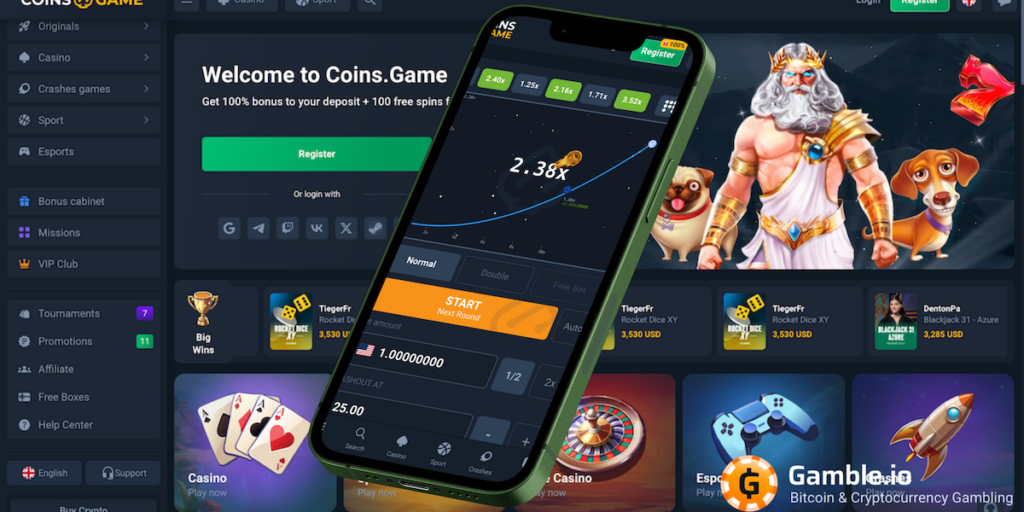
How do you install the web app on your phone?
Safari — Add to Home Screen
- Open Coins.Game in Safari (not Chrome — iOS only allows this from Safari).
- Tap the Share button (square with an arrow).
- Scroll down and tap Add to Home Screen.
- Confirm the name and tap Add.
The icon opens the casino full-screen, without Safari's address bar — visually identical to a native app.
Chrome — Add to Home screen
- Open Coins.Game in Chrome.
- Tap the ⋮ three-dot menu in the corner.
- Choose Add to Home screen (or Install app if shown).
- Confirm — the icon appears in your launcher.
No APK, no "unknown sources" toggle, no permissions beyond a normal website. Updates arrive automatically because it's the live site.
What works on mobile — and what's different from desktop?
Short answer: everything works. The layout reshuffles, not the features:
| Feature | Mobile web app | Notes |
|---|---|---|
| Slots (BGaming, Pragmatic Play, NetGame…) | ✓ Full library | HTML5 games scale to any screen |
| Crash games & Originals | ✓ | Rocket-style crash games are arguably better with touch controls |
| Live casino | ✓ | Streams adapt bitrate to your connection |
| Sportsbook & esports | ✓ | Bottom navigation switches Casino ⇄ Sport |
| Crypto cashier | ✓ | Wallet QR codes are easier to scan from a phone |
| Bonuses, promo codes, Coins Wheel | ✓ Identical | Code MAXBONUS works the same in the mobile sign-up form |
| Live chat support | ✓ 24/7 | Same chat widget, bottom-right corner |
| Push notifications | Partial | Available if you allow browser notifications; no store app means no store-level push |
Claiming a bonus from your phone follows the same rules as on desktop — wagering, max bet and game weighting don't change with screen size. The full rundown is in our bonus terms guide.
Three tips for smoother mobile play
- Register before you're on the go. Do the sign-up (with promo code MAXBONUS) and email confirmation on a stable connection — see the step-by-step guide. Playing the spins later from your phone takes one tap.
- Play crash and live games on Wi-Fi or 5G. Slots tolerate a weak signal; live dealer streams and crash games don't. A dropped connection mid-round resolves by the game rules, not in your favor.
- Keep your session inside the home-screen app. Logging in from random browsers multiplies KYC triggers. One device, one app icon, one session pattern — fewer verification flags.
Pin it, claim it, spin it
Open Coins.Game on your phone, add it to your home screen, and register with the code below for 150 free spins on Fruit Million.
Coins.Game app FAQ
Is there a Coins.Game app in the App Store or Google Play?
No. Store policies exclude offshore-licensed real-money casinos, so Coins.Game ships as a mobile web app instead. Add it to your home screen and it behaves like a native app — icon, full-screen, the lot.
How do I install it on iPhone?
Safari → open Coins.Game → Share button → Add to Home Screen → Add. Must be Safari; iOS doesn't allow home-screen installs from other browsers.
How do I install it on Android?
Chrome → open Coins.Game → ⋮ menu → Add to Home screen (or "Install app"). No APK and no "unknown sources" needed — anything claiming to be a Coins Game APK is unofficial and unsafe.
Do promo codes work on mobile?
Yes — the registration form is the same, promo field included. Code MAXBONUS credits the same 150 free spins on Fruit Million whether you sign up from a phone or a desktop.
Can I deposit and withdraw from my phone?
Yes, the full cashier works on mobile: crypto deposits via QR code, card-to-crypto purchases, and withdrawal requests. Many players find the QR flow faster than desktop copy-paste.
Is mobile slower than a native app would be?
Not meaningfully. Casino games are HTML5 streams either way; a native app would embed the same content in a wrapper. Your connection quality matters far more than the packaging.
18+Play responsibly. A casino in your pocket is convenient — and that's exactly why limits matter more on mobile. Use deposit caps and session reminders, and never gamble to escape stress. Coins.Game operates under a Curaçao licence; not available in restricted jurisdictions. Support: BeGambleAware.org.